Digital Lease Signing for Villages Rental Owners
No more chasing paper. How digital lease signing works, why it matters for Villages rentals specifically, and what your lease should cover.
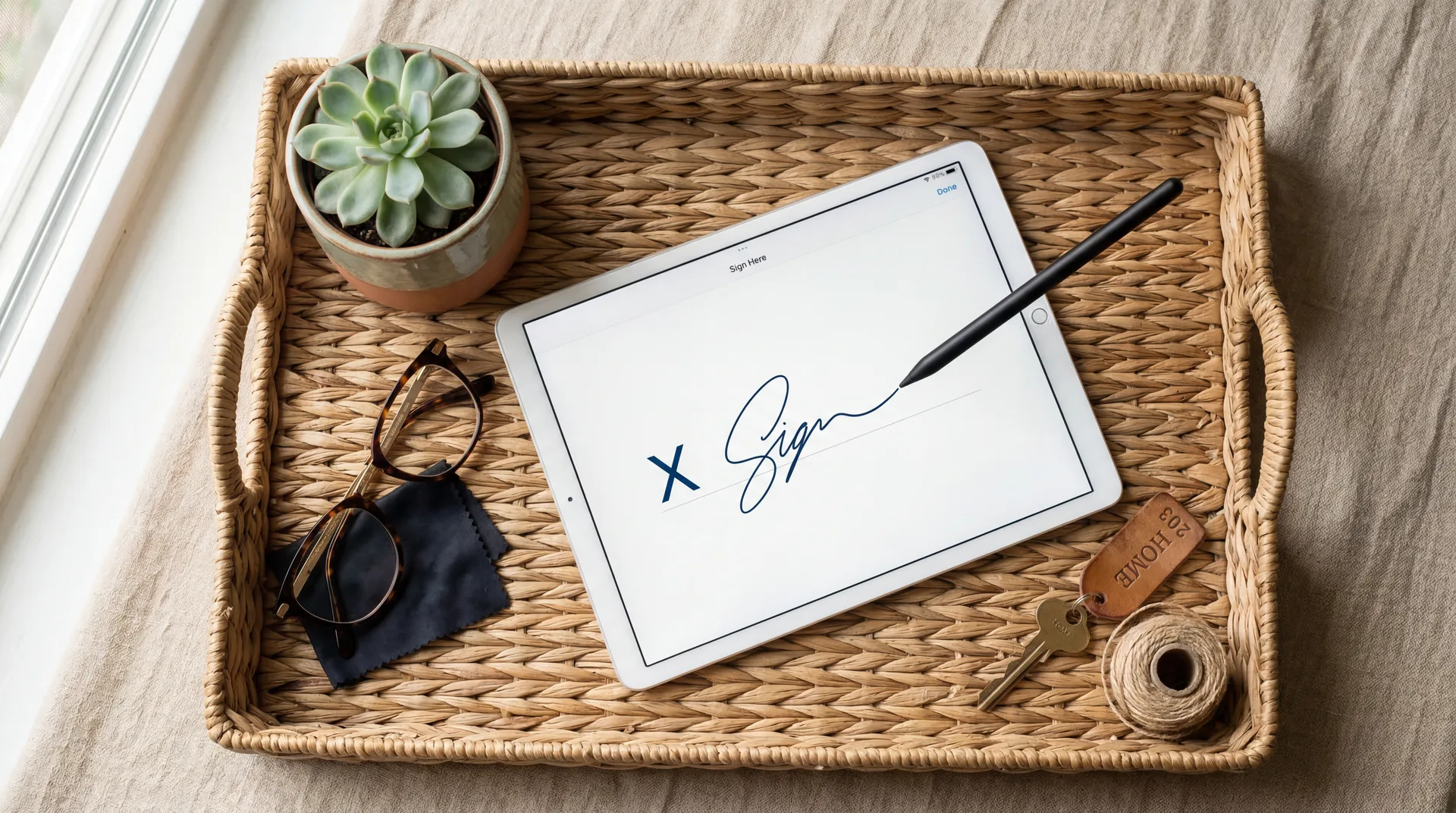
Digital Lease Signing for Villages Rental Owners
The old lease process: email a PDF to the renter. They print it. They sign it. They scan it (or photograph it with their phone, producing a barely-legible image). They email it back. You discover the signature is on the wrong page. You repeat.
For a 3-month snowbird rental starting in January, this cycle can drag on for two weeks — during which the renter is technically unconfirmed and could be looking at other properties.
Digital lease signing eliminates all of it.
How It Works on staythevillages.com
- You create a lease from a template — or let the AI generate one based on your property and the rental terms you set.
- You enter the renter's name, email, rental dates, and monthly rate.
- A magic link goes to the renter.
- The renter opens the link on their phone, uploads a photo of their government-issued ID (which you receive and keep on file for 55+ verification), reads through your house rules, scrolls through the full lease, and draws their signature with their finger.
- A signed PDF is generated and emailed to both parties.
The entire process takes the renter about 5 minutes. You receive a complete package: signed lease + ID photo + timestamp.
Why This Matters for Villages Rentals Specifically
The 55+ age requirement in The Villages means every owner must verify at least one occupant's age before signing. Building ID upload into the lease process makes this seamless — it's not an extra step, it's built into the signing workflow.
It also creates a formal paper trail. In the rare event of a deposit dispute or lease violation, a timestamped, digitally signed lease with a copy of the renter's ID is far more defensible than a handshake agreement or a PDF scanned from a phone.
What Your Lease Should Cover
A Villages rental lease should include, at minimum:
- Rental period (exact dates)
- Monthly rent and due date
- Security deposit amount and conditions
- Number and names of all occupants
- 55+ age confirmation
- Pet policy and pet deposit
- Golf cart terms if the cart is included
- Maintenance responsibilities
- House rules (noise, smoking, guests, parking)
- Early termination conditions
Custom lease templates are available on Spotlight plans at staythevillages.com — built specifically for Florida rental law and Villages-specific requirements.
Looking for a rental in The Villages?
Pool homes, golf carts, pet-friendly — find your perfect fit.
Frequently Asked Questions
Is a digital signature legally valid in Florida?
Yes. Florida recognizes electronic signatures under the E-SIGN Act and Florida's Electronic Signature Act. A properly executed digital lease is just as legally binding as a handwritten signature on paper.
Can renters sign on a phone, or do they need a computer?
They can sign on any device — phone, tablet, or computer. The staythevillages.com lease signing process is designed for mobile: the renter gets a link, opens it in their browser, and draws their signature with their finger. No apps, no accounts.
What happens to the signed lease after it's complete?
A PDF is generated automatically and both you and the renter receive a copy by email. The lease and uploaded ID are stored securely in your staythevillages.com owner dashboard.
Ready to experience The Villages?
Browse our curated selection of rental homes — pool homes, golf cart included, pet-friendly, and more.
Browse RentalsKeep Reading

The Complete Villages Rental Owner Toolkit
Digital leases, AI guidebooks, automated reviews, smart pricing, and cleaner verification — everything a property manager does, for $125-300/year instead of $3,840-5,760/year.

Why Every Villages Rental Needs a Digital Guest Guidebook
Renters staying 3 months have a lot of questions. A digital guidebook answers them before they call you.
How to Collect More Reviews for Your Villages Rental
Most renters intend to leave a review and never do. Automated review collection closes that gap — and five-star reviews fill your next season.